Hubitat vs SmartThings for a family house
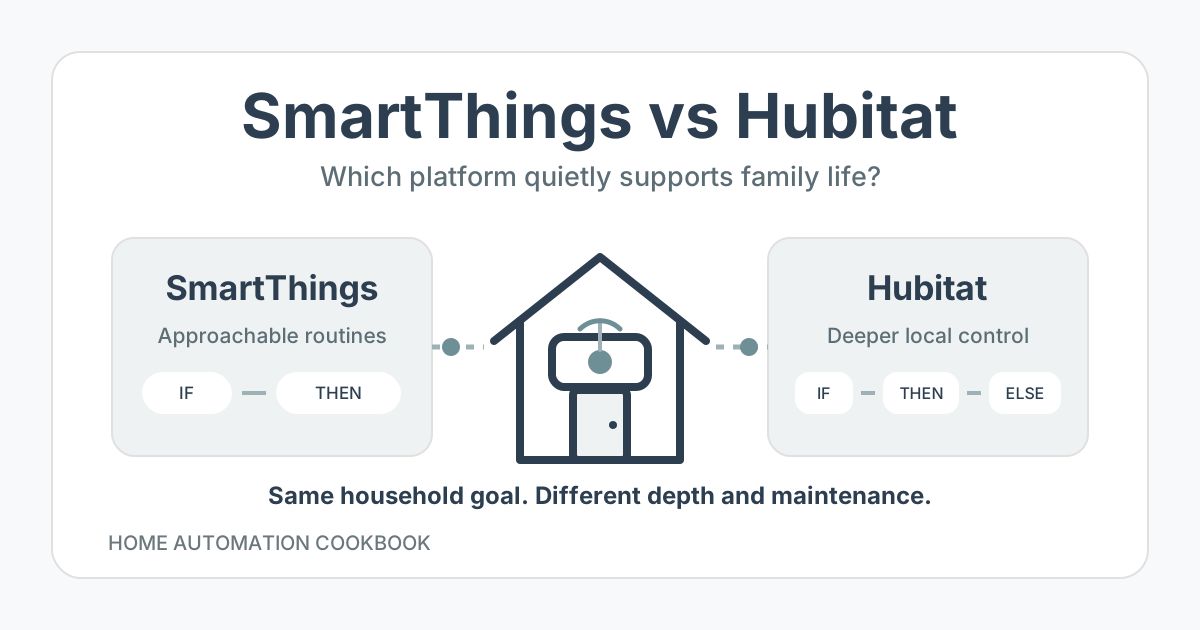
SmartThings gave me the freedom to build my first large smart home after I reached the limits of Alexa. Hubitat became the better fit when that home grew beyond 100 devices and I wanted faster automations, more advanced routines, better driver choices, and tools for diagnosing problems.
For a family house, that technical difference matters only when it improves daily life. The real benefit of my move was that lights responded faster and more consistently, fewer automations failed, and I could support more useful routines. My family did not need to learn a new way to live in the house.
The short answer
| Choose | When it fits |
|---|---|
| SmartThings | You have reached the limits of Alexa or Google Home, want more devices and automation choices, and prefer an approachable app over deep technical control. |
| Hubitat | You want local rules for compatible devices, advanced logic, community or custom drivers, and enough diagnostics to keep a large system responsive. |
I would recommend SmartThings as an inviting next step for someone who is not very technical but wants more choice, freedom, and fun than a voice-assistant-centered smart home provides. I prefer Hubitat for my family house because I am willing to learn and troubleshoot its deeper tools.
My experience with both platforms
I moved from Alexa to SmartThings because SmartThings supported more device types and protocols, including Z-Wave, and its routines gave me much more room to automate. I enjoyed using it and built a system with more than 100 devices.
As the installation grew, slow or missed lighting automations became noticeable. I also reached limits in the advanced routines and lacked drivers for devices in my house, including my Daikin mini-split and Touchstone fireplace. A later SmartThings driver-model transition left additional gaps for devices I depended on.
I moved to Hubitat during a whole-house remodel. Rebuilding at that moment was easier than disrupting a finished house, but it was not effortless. I still had to re-pair and rename devices, find or adapt integrations, and rebuild and test the automations.
These observations describe my installations and the platforms as I experienced them. They do not prove that every current SmartThings home will slow down or that every device now has the same driver limitations.
What the family actually uses
The best automation platform is not the one every family member has to think about. In my house, most lighting is automated. The kids use a few physical light switches in their rooms, and those ordinary controls continue to work.
My wife and I use wall-mounted SharpTools.io dashboards to see:
- Whether the washer, dryer, and dishwasher are running or finished.
- The weather forecast.
- Whether any windows are open.
- Music status and controls.
We also use Alexa and HomeKit from an Apple Watch for some controls. We never use phone apps for normal household operation.
That interaction model remained familiar across SmartThings and Hubitat. The hub changed, but the household kept switches, dashboards, voice, and watch controls that already made sense. This is an important migration pattern: change the automation engine without unnecessarily changing how everyone uses the house.
Where SmartThings fits
SmartThings is a meaningful upgrade when Alexa or Google Home feels too restrictive. Its app and IF-THEN routine model make broader automation approachable without asking someone to begin with a deeply technical system.
It is a strong starting point when:
- The home is smaller or the rules are straightforward.
- Current SmartThings drivers expose the exact features your devices need.
- You want an approachable app for setup and occasional control.
- You want more device choice and automation freedom without writing code.
Before committing, verify every important device rather than relying only on a compatibility logo. A device can connect while still missing the state, command, or current driver needed for the automation you have in mind. Also test which complete routines continue to work without the internet because local behavior can vary across devices and services.
Where Hubitat fits
Hubitat suits someone who wants a managed hub for ordinary operation but is willing to go deeper when the house needs it. It has built-in Zigbee and Z-Wave radios, local automation apps, detailed rule options, and a large community-driver ecosystem.
For me, webCoRE and community drivers made the system both easier and more powerful. webCoRE can express conditional and stateful routines that I could not comfortably build before. Community drivers filled important device gaps, and I can write a custom driver when an unusual device needs one.
The diagnostic tools are just as important as the feature list. I can find slow-running automations, understand where time is being spent, and optimize the rules. That lets me keep the smart home in peak condition instead of accepting gradual slowdown as the unavoidable cost of adding useful routines.
That control comes with responsibility. Someone must be willing to understand triggers, state, logs, drivers, and failure behavior. Hubitat can fade into the background for the family while still requiring a more technical maintainer behind the scenes.
Reliability is a household feature
A missed lighting event sounds minor in a platform comparison, but repeated misses teach people not to trust the automation. They reach for a switch, repeat a voice command, or stop relying on the routine.
After moving to Hubitat, my automations were faster and more consistent, with fewer failures. The platform also handled more useful routines. The lasting benefit was not merely lower latency. It was less uncertainty about whether the house would do what the family expected.
Keep that trust by:
- Leaving physical switches and essential controls usable.
- Naming rules after the household job they perform.
- Providing visible states and overrides on shared dashboards.
- Treating missing sensor data as uncertainty, not proof that a room is empty.
- Testing restart, internet loss, device failure, and manual control.
- Diagnosing slow rules before adding more dependent automations.
Local execution helps, but it does not make every integration local. Voice assistants, dashboards, phone notifications, and external APIs can still depend on cloud services. Test the complete household outcome rather than only the hub-to-device path.
The migration cost is real
Moving platforms is not a settings toggle. Even with a remodel providing a clean opportunity, I had substantial work in three areas:
- Devices: Re-pairing, naming, organizing, and verifying more than 100 devices.
- Drivers and integrations: Finding maintained support, adapting an integration, or creating a driver where necessary.
- Automations: Rebuilding each rule, checking its assumptions, and testing it in normal family life.
Preserve the household interface where possible. In my case, keeping SharpTools dashboards, physical switches, Alexa, and HomeKit controls reduced the visible impact of the migration. The technical foundation changed without requiring everyone else to relearn the house.
Do not migrate only because another platform has a higher feature ceiling. Move when specific recurring problems justify the labor, and trial representative devices and routines before rebuilding the whole home.
How to choose for your house
Run a one-room trial with the devices and behavior that matter most:
- Pair the actual sensor, switch, and other device types you expect to use.
- Confirm that their drivers expose every required state and command.
- Build one routine that includes the conditions, waits, or remembered state you need.
- Keep the physical control working.
- Let another household member use the room without instructions.
- Restart the hub and disconnect the internet to learn what still works.
- Check the logs when something is slow or missed.
- Decide whether you understand the result well enough to maintain it later.
Choose SmartThings if that trial gives you the freedom you wanted without creating a maintenance burden. Choose Hubitat if you value deeper rules, driver flexibility, and diagnostics enough to take responsibility for them.
My recommendation
For someone currently limited by an Alexa- or Google-powered smart home, I would start by considering SmartThings. It offers more power and choice while keeping the app approachable.
For a large family house like mine, I prefer Hubitat. Its faster and more consistent behavior, webCoRE rule depth, community drivers, and diagnostic visibility let me build more useful automations and keep them healthy. The family gets dependable routines without needing phone apps or becoming platform experts.
The dividing line is not family size alone. It is whether someone in the household wants and can maintain the deeper control. SmartThings makes the step into capable home automation easier. Hubitat rewards a more technical maintainer with greater visibility and room to adapt.
FAQ
Is Hubitat better than SmartThings for every family?
No. Hubitat is a better fit when someone wants its deeper rules, drivers, and diagnostics and is willing to maintain them. SmartThings can be the better next step for a less-technical household that wants more than Alexa or Google Home provides.
Does the family need to use a different app after moving?
Not necessarily. My family continued using physical switches, SharpTools wall dashboards, Alexa, and HomeKit through an Apple Watch. We do not use phone apps for normal control. Preserving familiar interfaces made the platform migration less disruptive.
Did the remodel make migration easy?
It made the timing easier, but the work remained substantial. I still re-paired and named devices, found or adapted drivers, and rebuilt and tested the automations.
Why did reliability matter more than adding features?
Slow or missed automations create repeated corrections and reduce trust. Faster, more consistent behavior meant fewer failures, while Hubitat’s deeper tools also let me add routines that were useful to the household.
Can every Hubitat automation run without the internet?
No. Hubitat automation apps run on the hub, but cloud integrations and external services still have their own network dependencies. Test each complete automation with the internet disconnected.